
Sometimes the hardest part of a creative project is simply getting your ideas out of your head.
That’s where real-time AI canvas tools come in. Instead of generating one image and hoping it’s what you had in mind, they let you sketch, edit, and experiment while the AI updates your work almost instantly.
Whether you’re designing a product, creating concept art, or just looking for inspiration, these tools make it much easier to try different ideas without constantly starting over.
Here are three of the best real-time AI canvas tools you can use in 2026.
Comparison Table
|
Tool |
Best For |
Real-Time Canvas |
Collaboration |
Sketch Support |
Reference Images |
Overall |
|
Krea.ai |
Fast visual brainstorming |
✅ |
✅ |
✅ |
✅ |
⭐⭐⭐⭐⭐ |
|
Leonardo AI |
Concept art & illustration |
✅ |
Limited |
✅ |
✅ |
⭐⭐⭐⭐☆ |
|
Magnific Spaces |
Team brainstorming |
✅ |
✅ |
Limited |
✅ |
⭐⭐⭐⭐☆ |
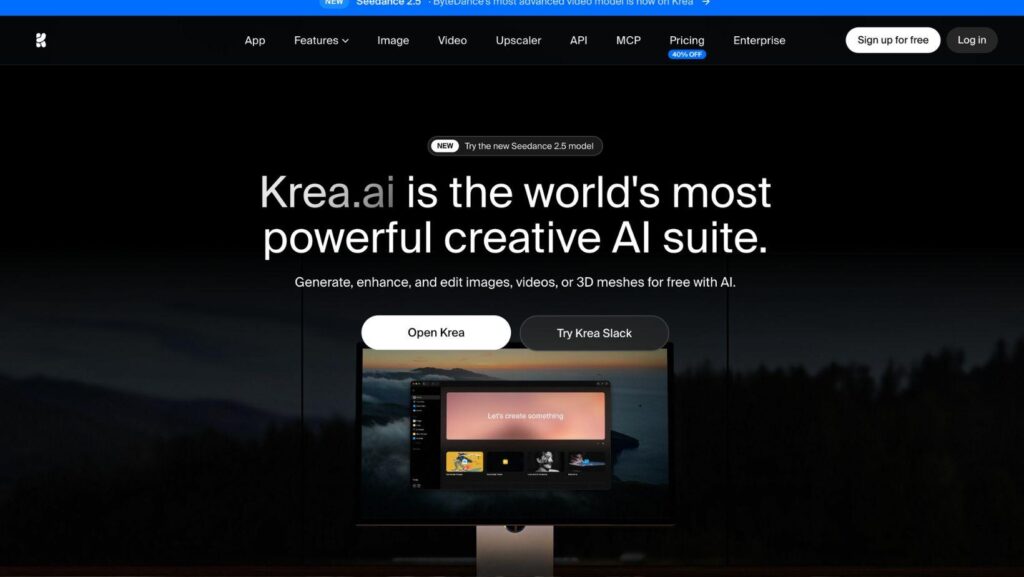
Krea.ai
Best for: Anyone who wants to turn rough ideas into visuals as quickly as possible.
Krea.ai really feels less like using an AI image generator and more like drawing on a smart canvas. Instead of waiting for every new image to generate, you can keep making changes while the AI updates the result in real time. That makes brainstorming much faster and a lot more fun.
Key Features
- Realtime Canvas
This is Krea’s biggest strength. You can sketch, erase, move objects around, or change your prompt, and the image updates almost instantly. It’s perfect for trying lots of different ideas without starting over every time.
- Start However You Want
You don’t need the perfect prompt to get started. You can begin with a sketch, upload a reference image, or simply describe your idea. As you work, you can mix all three approaches until you’re happy with the result.
- Lots of AI Models
Another thing we like is that Krea gives you access to lots of different AI models in one place. That means you can compare different styles and outputs without jumping between different websites.
- Easy to Use
Even though Krea includes a lot of tools, the interface stays clean and simple. Most people can start using it within a few minutes.
Limitations
Krea offers much more than just a real-time canvas, so some features may go unused if you’re only interested in brainstorming. You’ll also need a paid plan to unlock some of the more advanced tools.
Leonardo AI
Best for: Artists and designers who want more control while developing ideas.
Leonardo AI is another great option if you like experimenting before settling on a final design. Its Realtime Canvas lets you sketch and edit while the AI responds, making it easy to test different ideas as you work.
Key Features
- Realtime Canvas
Instead of relying only on prompts, you can draw directly on the canvas and let the AI build on your sketches. It’s a nice way to shape an idea step by step.
- Plenty of Creative Control
Leonardo gives you lots of options for changing styles and refining your images, so it’s easy to see how one idea might look in different directions.
- Great for Concept Work
The platform is popular with concept artists, illustrators, and game designers because it makes it easy to explore different versions of the same idea.
- Custom Models
More experienced users can also work with custom models, giving them even more control over the final result.
Limitations
Leonardo has more settings than Krea, which can make it feel a little overwhelming at first. Some of its best features are also limited to paid plans.
Magnific Spaces
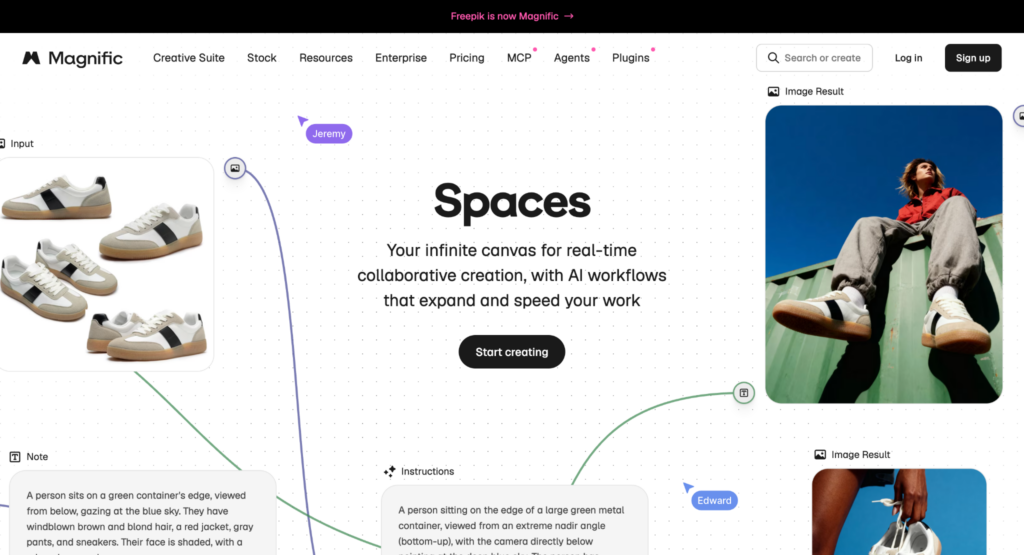
Best for: Creative teams, marketers, and designers who like to brainstorm ideas together.
If you often work with other people or like keeping all your ideas in one place, Magnific Spaces is worth checking out. Instead of generating one image at a time, it gives you an infinite canvas where you can organize ideas, build workflows, and create visuals without jumping between different tools.
Key Features
- Infinite AI Canvas
Everything happens on one large canvas. You can add prompts, images, videos, notes, and AI tools wherever you need them, making it easy to keep track of your ideas as a project grows.
- Real-Time Collaboration
One of the biggest advantages of Spaces is that multiple people can work on the same canvas at the same time. Team members can edit, leave comments, and build on each other’s ideas without sending files back and forth.
- AI Workflows
Instead of repeating the same tasks, you can build reusable workflows using different AI tools on the canvas. For example, you can connect image generation, editing, upscaling, and video tools into one workflow that you can use again later.
- Templates
If you don’t want to start with a blank canvas, Magnific also includes ready-made templates created by creative professionals. They’re a nice way to get ideas flowing or speed up common projects.
Limitations
Magnific Spaces is designed around collaboration and creative workflows rather than real-time sketching. If your main goal is drawing directly on a canvas and watching the AI respond instantly, Krea.ai and Leonardo AI offer a more interactive experience.
Conslusion
The best ideas usually don’t happen on the first try, and that’s exactly where real-time AI canvas tools can help.
All three platforms we explored in this guide make it easier to experiment, make quick changes, and see new possibilities without starting over. And which one is right for you mostly comes down to how you like to work and your specific needs.
If you want the most complete real-time canvas experience, I’d start with Krea.ai, but Leonardo AI and Magnific Spaces are both solid alternatives depending on what you’re looking for.