
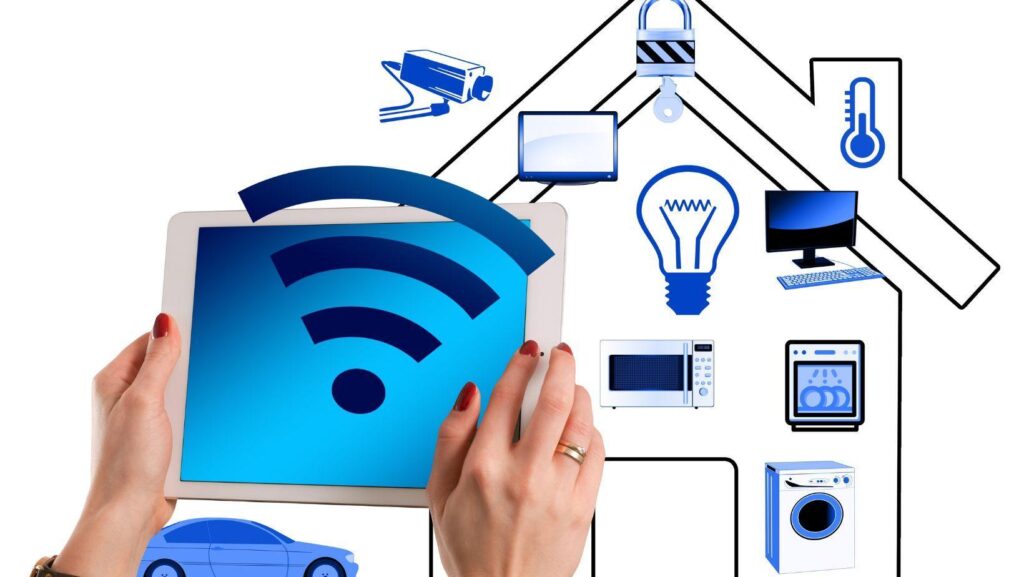
The primary objective of a smart home is to make our lives convenient. Cameras monitoring our home security, sensors keeping tabs on air quality, and speakers executing commands- smart gadgets are probably the most productive members of our households.
But what happens when security cameras lag or speakers delay our commands? Or worse, what happens when you’re unable to access your smart gadgets remotely?
Such glitches are common, and most of the time, our home Wi-Fi connection is the culprit. And understanding how much internet speed you require can help create a seamless smart home ecosystem.
Here, I will explain how to analyze whether your connection is ready to support multiple smart home devices. Additionally, I will explain how to identify if your connection is lagging and provide tips to improve its performance.
Let’s start:
Why Do Smart Home Gadgets Become Unresponsive?
Smart gadgets require strong connectivity to execute commands. Since most devices can be monitored remotely via dedicated apps, the role of an active connection increases.
Along with supporting the household’s online activities, a high-end 5G internet service plan, or even a cable or fiber connection, can effectively handle several smart gadgets.
However, smart gadgets might still lag or become unresponsive if the following factors are not kept in mind:
- Download Speeds – Download speeds dictate how fast smart home gadgets receive data from the users. Besides analyzing voice commands and actions, download speeds play a key role in actively installing software and firmware updates on smart gadgets.
- Upload Speeds – Smart home gadgets collect data such as users’ commands, preferences, or behaviors, and adapt accordingly. Since the collected data is uploaded to cloud servers, the upload speeds are crucial in ensuring the smooth working of smart home devices.
- Latency – It is the time delay between users’ commands and devices’ response. Essentially, a high-speed internet connection keeps the latency low and ensures swift response from smart devices.
- Bandwidth – Every internet connection has limited bandwidth, which is distributed among the connected devices. With each newly added device on the same connection, the bandwidth shrinks. And it’s important to preserve bandwidth to ensure that your smart home gadgets remain active.
How to Know If Your Internet Connection is Lagging?
You may experience several signs when your internet connection isn’t up to the mark. Below, I will share a few telltale signs to know when your connection is lagging:
- Drop in Footage Quality: Smart security cameras can share a live feed via their dedicated applications. Since they’re connected to the internet, their footage quality might drop on a spotty connection. On the contrary, high-speed internet ensures you receive the best available footage quality throughout the day.
- Late Response by Smart Speakers: Smart speakers instantly execute commands, and a late response, even by a couple of seconds, is noticeable. Slow download and upload speeds or lack of bandwidth can cause this delay and make smart speakers inefficient.
- Noticeable Delay in Sensors: A delayed response by motion, light, fire, water, or emergency sensors is no good. On a slow internet connection, smart sensors may take several seconds to identify and respond to an activity.
- Frequent Disconnection of Smart Plugs: When your connection runs low on bandwidth, it might automatically disconnect smart devices to make room for new devices or online activities. In such cases, it’s best to upgrade your internet plan to support more devices and users simultaneously.
How to Improve Your Internet Connection?
Optimizing your home connection involves a few simple steps, which I’ll explain below:
- Subscribe to a High-Speed Plan: A faster internet plan can provide better upload and download speeds. This increase in internet speeds positively reflects on latency, as devices take less time to send and receive data.
Additionally, the connection’s bandwidth also improves when you subscribe to a high-speed internet plan.
- Fix Your Router: Smart devices receive internet signals via the router. The strength of the internet signals might be affected if the router is broken or not placed ideally.
It’s best to place your router away from heavy objects like furniture or thick walls that potentially block or deviate internet signals from their path. Additionally, it’s recommended to frequently update your router to install security patches or advanced features.
- Disconnect Unused Devices: Idle devices or background applications and activities consume bandwidth. As mentioned, every connection has limited bandwidth, and it’s best to preserve it by disconnecting unused devices and closing background activities.
Frequently Asked Questions
Can smart home devices work without internet connectivity?
Yes, smart devices can work without internet, but a reliable connection will be required for remote access and to unlock full features.
What is the typical bandwidth requirement for smart speakers?
A smart speaker usually consumes 1-3 Mbps of internet bandwidth to work effectively.
What internet speeds should I aim for to create an advanced smart home?
You should aim for at least 300 Mbps to create a full-fledged home with smart speakers, lights, cameras, doorbells, sensors, robot vacuum, and more devices.