
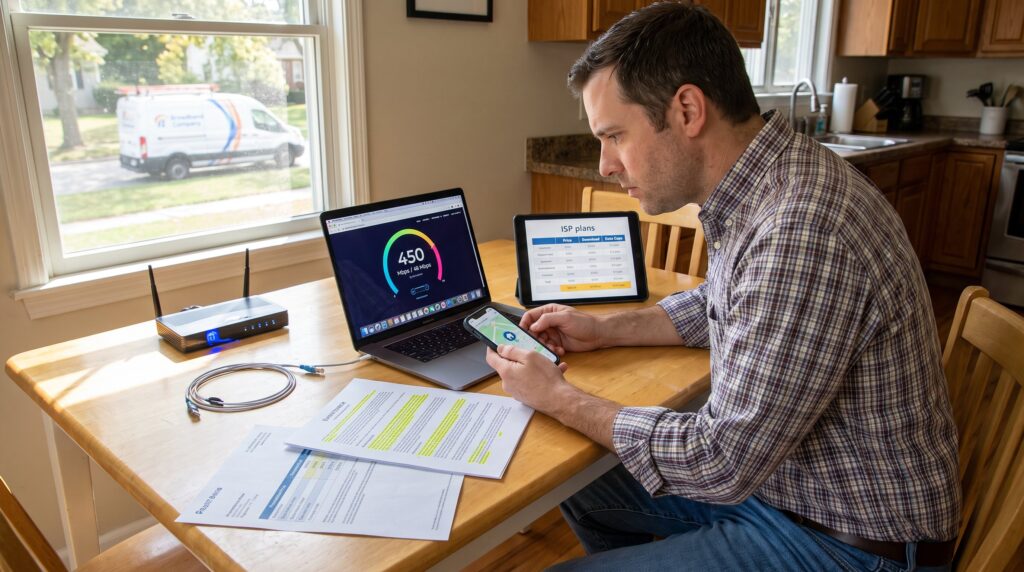
How to Compare Internet Service Providers starts with one clear fact: matching a plan to real use saves money and frustration. This guide shows practical steps for 2026 decisions: quantify devices and tasks, translate needs into speeds, weigh connection types, compare prices and contract traps, and verify performance and support. Readers get exact checks to run before signing up and honest trade-offs, what usually goes wrong and how to avoid it. The rest of the article breaks those checks into actionable sections so they can pick a plan that fits their household or small business.
Key Takeaways
- To compare Internet Service Providers effectively, start by assessing your household’s or business’s internet needs including device count and usage tasks.
- Prioritize fiber connections for the best speeds, low latency, and symmetrical uploads if you require heavy uploading, video calls, or cloud backups.
- Carefully analyze plans beyond promotional prices by factoring in installation fees, equipment rentals, data caps, contract terms, and potential hidden charges.
- Verify real-world performance through speed tests during peak hours, check provider reliability via outage logs, and test customer support responsiveness before choosing an ISP.
- Avoid common pitfalls by understanding contract fine print, scheduling precise installation dates, and coordinating service cancellations to prevent overlapping charges.
Determine Your Needs: Speed, Data, Devices, And Primary Use Cases
Start with one fact: determine the number of active devices and the primary tasks they will perform. A household with two 4K streamers, one remote worker on video calls, and a gamer requires a different plan than a couple who only browse and check email.
Estimate concrete numbers. Count devices that use the internet simultaneously. For streaming, plan 25 Mbps per 4K stream: for video calls, reserve 3–6 Mbps upload per active participant: for competitive gaming, aim for latency under 30 ms and at least 10–25 Mbps down. For cloud backups and frequent uploads, prioritize upload speed and symmetry.
Measure current use. Run a speed test during peak evening hours for three nights. If measured speeds fall 30% below the advertised rate, budget a higher tier or question the provider. National trends show rising average speeds: for context, a 2016 report first noted averages passing 50 Mbps, and recent regional data often exceeds that, use local tests, not national averages. broadband average report
Translate need to tiers. Examples:
- Basic browsing and smart-home: 25–50 Mbps.
- Single remote worker + light streaming: 75–150 Mbps.
- Multi-user 4K streaming, cloud backups, gaming: 300–500+ Mbps.
Practical warning: people underestimate simultaneous use. One writer counted 14 devices at peak in a family of four, phones, smart TVs, cameras, and a doorbell all pulled bandwidth. He upgraded after persistent buffering. Use the free checklist in the linked planning guide to match devices to speed tiers and avoid that trap. what internet speed does your household need?
Understand Connection Types And What They Mean For You
Fact first: connection type largely determines peak speed, upload parity, and latency. Choosing the right physical or wireless medium avoids surprises later.
Fiber offers the fastest, lowest-latency and often symmetrical speeds. For heavy uploads, video callers, and cloud-first businesses, fiber typically performs best. Cable delivers fast downloads for most homes but often has lower uploads and variable peak-time performance due to neighborhood congestion. DSL remains useful where wired options are limited, but speeds are usually modest. Satellite covers remote locations: LEO satellites lower latency compared with GEO but still lag wired services. Fixed wireless can work well in suburbs with clear line-of-sight to towers but depends on signal strength and tower load.
Availability matters. Fiber may not reach every street. A provider’s map can overstate coverage: confirm by address lookup and by calling a local installer. When in doubt, book a noncommittal speed test installation or temporary plan to verify real performance.
Practical tip: if upload tasks matter, regular backups, livestreaming, or large file transfers, prioritize symmetrical fiber or business-class cable plans. If the user only streams and browses, cable or fixed wireless might save money without noticeable issues.
Compare Plans: Price, Data Caps, Contract Terms, And Hidden Fees
Answer up front: compare the total first-year cost and the steady-state monthly cost, not just promotional rates. Hidden fees often change the math.
Checklist for each plan:
- Monthly promotional price and post-promo price.
- Installation or activation fees.
- Router or modem rental charges and purchase options.
- Data caps and overage rates.
- Contract length and early termination fees.
- Price increase history or clauses.
Example math: a 12-month promo at $40 then $70 after falls into a $650 first-year cost including $100 installation and $6/month router rental. A competing provider at $55 flat with $0 install and no router fee costs $715 first year, closer than headlines suggest.
Contract traps to watch for: automatic multi-year renewals, bundled services that hide individual prices, and “required” security suites with monthly fees. Use the provider’s terms and conditions to extract exact numbers. For a guided buyer’s checklist on choosing the right plan for varying needs, compare this article against the full decision guide. internet, choose, isp, needs
Evaluate Performance, Reliability, Customer Support, And How To Switch
Fact first: measured uptime and real support response times predict daily experience more than speed alone. Ask for recent outage logs or public status pages when reliability matters.
Evaluate performance practically. Look for consistent test results over weeks, local user forums, and provider status pages. Compare independent reviews and local reports. For security-minded users, pair performance checks with privacy and security guidance to protect devices and data. privacy guidance
Customer support matters. Test response time by calling with a simple question before signing up. Note hold times, politeness, and technical depth. A failed repair response cost one renter nine days of downtime: the landlord had to pressure the provider to prioritize the ticket. That delay was the main reason they chose a different provider when the contract expired.
How to switch cleanly: confirm availability at the exact service address, schedule installation within a tight window, and coordinate the cancellation to avoid overlapping bills or termination fees. Return rented equipment promptly to avoid unreturned-equipment charges. If moving from a bundled phone or TV service, confirm porting rules and any changes to bundled discounts.
For a practical checklist on balancing speed, security, and affordability during switching, consult the site’s comprehensive resources. discover reliable internet
Conclusion
Choosing the right provider is a testable process: define devices and tasks, prefer fiber where uploads and low latency matter, validate real-world speeds, and compare full costs and support quality. They should use address-level checks, run repeated speed tests, and read contract terms before committing. For step-by-step checklists and deeper security guidance, the site’s pillar resources help with next steps. myinternetaccessnet comprehensive guide