
Nothing ruins a gaming session faster than stuttering frames or high latency. You spend hard-earned cash on a rig only to see it struggle during intense battles.
Smoothing out issues takes more than just clicking a single button. It requires a mix of software tweaks and hardware maintenance to get the best results.
Tweak Your Operating System
Windows hides many settings that can slow down your play. Most users leave these at the default, which splits power between the game and background apps. Tweaking options helps your PC focus all its energy on the screen, which is a major win for speed.
Finding the right balance between hardware and software is essential for a lag‑free experience. One practical approach is to consult resources like Novatech Gaming for tailored hardware tips that suit your specific setup. This helps ensure you allocate resources wisely and avoid unnecessary equipment during a match.
Clear out your temporary files once a week to keep the drive snappy. A simple habit keeps the OS from getting bogged down. A clean digital environment leads to faster load times and fewer hitches.
Prioritize Hardware Upgrades
Sometimes, software tweaks are not enough to fix a slow machine. Older processors struggle to keep up with the logic requirements of modern multiplayer titles.
A guide on Medium suggests that the 7800X3D stands as the top choice for a gaming CPU right now. Moving to a chip like that can remove bottlenecks that hold back your graphics card.
Pairing a strong CPU with fast RAM creates a balanced system. You will notice fewer dips in performance when the action gets heavy on the screen.
Adjust Visual Settings For Speed
Many players want the highest resolution possible, but it comes at a steep cost. Pushing too many pixels forces your GPU to work harder than it should.
An article from Newegg mentions that playing at 1080p is much easier on your hardware than 4K or 5K resolutions. Dropping the resolution can instantly skyrocket your frames per second.
Shadows and reflections are other settings that eat up your processing power. Turning them down to medium often provides a great visual look without the massive performance hit.
Manage Your Background Tasks
Apps running in the background steal cycles away from your processor. Chat clients and browsers are usually the biggest offenders in this area.
The Windows learning center highlights that using Game Mode helps by focusing system power on your active game. It pauses updates and stops background notifications, so you stay in the zone.
Check your startup list to see what launches when you boot your PC. Disabling unnecessary items means more memory is available for your favorite games.
Clean Out The Dust
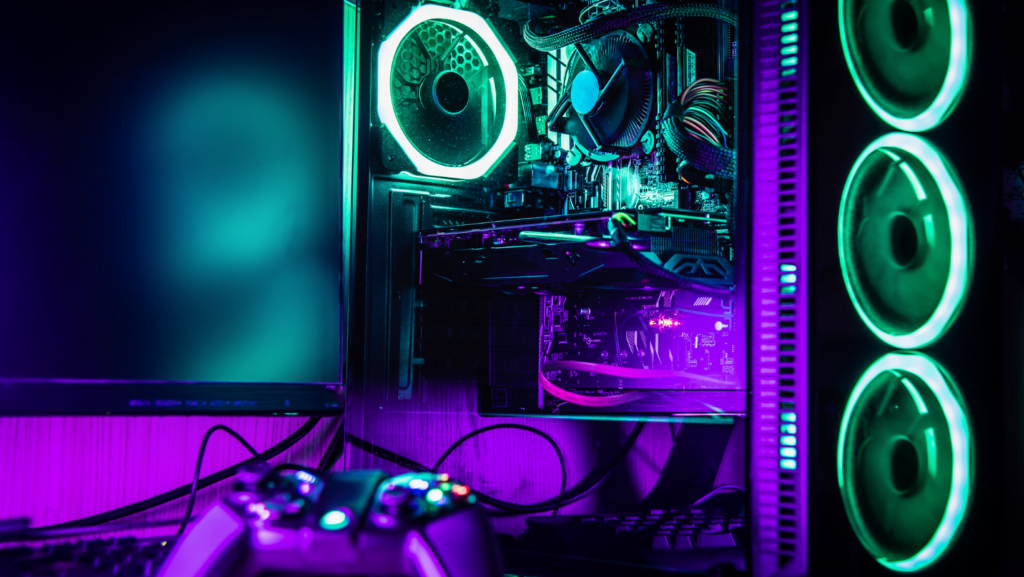
Heat acts as a silent killer for performance in every gaming rig. When your internal parts get too hot, they throttle their speed to prevent permanent damage. The physical slowdown leads to dropped frames and stuttering during your most intense matches.
Regular maintenance helps your machine breathe and stay cool under pressure. You should follow a simple cleaning routine to keep things running fast. It only takes 5 minutes.
- Use compressed air to blow out dusty intake fans.
- Wipe down the exterior vents with a microfiber cloth.
- Check that every fan in the case is spinning correctly.
Clear cases allow for better airflow through the metal chassis to keep your hardware safe. The upkeep keeps your GPU and CPU running at their intended clock speeds for hours. Temperature monitoring tools can alert you if the heat climbs above 85 degrees during heavy play.
Check Your Network Stability
Lag often starts at the router. A shaky connection causes rubber-banding and missed shots in online shooters. Signal quality is what keeps you steady when the action gets heavy on your screen.
Wired connections are far superior to wireless signals for gaming stability. Plugging in an Ethernet cable eliminates the interference that causes sudden ping spikes. The direct link makes sure your inputs reach the server without any wireless congestion or dropped packets.
Restarting your modem once a month clears out the cache and refreshes your link. It is a 2-minute task that can save you hours of frustration later. Staying on top of small resets keeps your home network running at its peak performance.

Getting your system into top shape does not have to be a chore. These steps provide a solid path to a smoother and faster experience every time you play.
Keep an eye on your hardware and keep your software lean. Soon, you will be reacting to the game faster than the competition can keep up.