
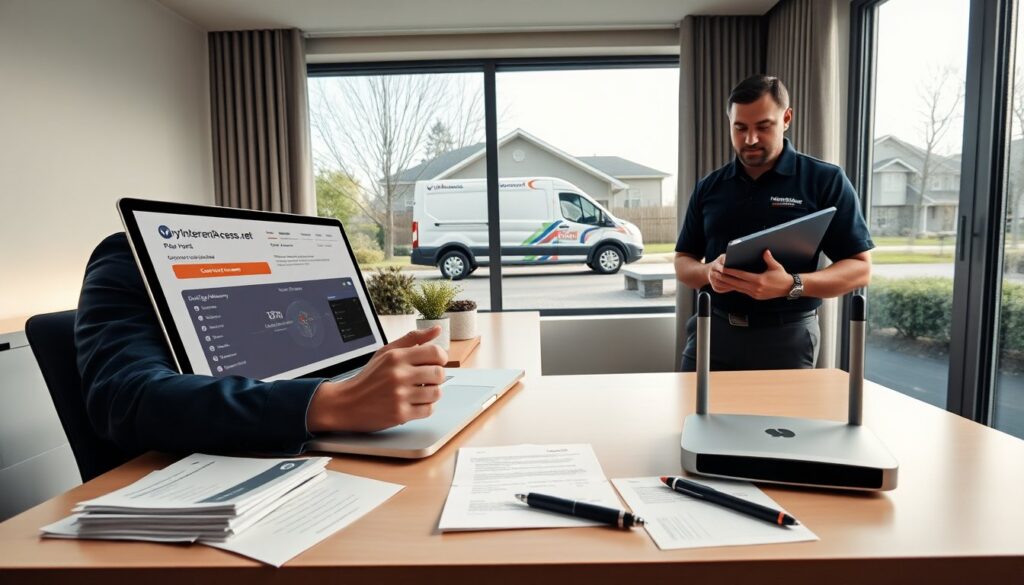
MyInternetAccess.net Alton users can manage accounts, pay bills, and get support online. This guide shows steps for sign-in, payment, password reset, and basic fixes. It lists local support options and practical tips. The content stays clear and direct. The reader will learn how to act quickly when a bill or connection problem appears.
Key Takeaways
- MyInternetAccess.net Alton allows users to easily manage accounts and pay bills online through a user-friendly customer portal.
- The portal supports multiple service addresses, autopay enrollment, and provides real-time updates on outages and maintenance.
- Users can troubleshoot common connection issues by rebooting equipment and checking the portal’s status tools before contacting support.
- The service offers local phone support, technician visits, and quick scheduling options for on-site repairs in Alton.
- Billing disputes and payment problems are handled efficiently through the portal with downloadable invoices and case tracking.
- Security verification steps protect user accounts during sensitive changes, ensuring safe management of personal and payment data.
Quick Overview Of MyInternetAccess.net Services In Alton
MyInternetAccess.net Alton offers internet plans, customer portals, and billing tools. The service covers residential and small business addresses in and near Alton. The company provides online account access, automated bill delivery, and basic support resources. Users can view invoices, enroll in paperless billing, and set up autopay from the portal. The portal shows plan details, data usage, and payment history. It also lists contact options for phone and email support. The Alton service maintains local technicians for on-site repairs in many cases. Plans include standard internet and higher-speed tiers where available. The portal displays current promotions for existing customers. MyInternetAccess.net Alton sends outage alerts and scheduled maintenance notices through the account dashboard. The service posts estimated repair times for reported outages. The user can download receipts and export billing information for records. The portal also shows device and modem status for the account. For users who prefer phone help, the portal provides direct numbers and expected hold times. The site outlines basic installation steps for self-installed kits. New customers can use the portal to pick a service address, view available speeds, and start service. The portal accepts major credit cards and bank payments. It also supports one-time payments and recurring payments.
Step-By-Step Account Management And Online Bill Payment
MyInternetAccess.net Alton users can manage accounts from the dashboard. The user signs in with email and password. The portal shows the current balance on the main page. To pay, the user selects Pay Now and chooses card or bank transfer. The portal prompts for payment method and billing address. After payment, the portal displays a confirmation and email receipt. The user can enroll in autopay from the Billing Settings page. The portal shows upcoming payment dates and amounts once autopay is active. To view past invoices, the user opens Billing History and selects a date range. The portal allows invoice download as PDF. The user can update contact details in Account Settings. The portal asks for phone number, email, and mailing address. The user can add secondary contacts for notifications. MyInternetAccess.net Alton supports multiple service addresses on one login. The user switches addresses via an Account Selector at the top of the page. The portal lists modem and network names for each address. The user can schedule technician visits from the Support page. The portal shows available appointment slots and estimated fees. The portal accepts payments outside normal business hours. The user gets immediate receipt after online payment. The portal keeps a payment method on file if the user consents. The portal shows a payment retry option for declined transactions.
Troubleshooting Common Connection And Billing Problems Plus Local Support Options
MyInternetAccess.net Alton users can fix many issues with simple checks. For a slow connection, the user restarts the modem and router. The user checks Ethernet cables and reboots connected devices. The portal shows signal and sync status for the modem. The user runs a speed test from the dashboard to confirm speeds. If the speed test shows low results, the user records the time and opens a support ticket. For intermittent drops, the user verifies no scheduled maintenance appears on the portal. The user moves the router to a central location and reduces device interference. For a no-connection error, the user checks the outage map in the portal. If the map shows an outage, the user waits for the posted repair time. If the map shows no outage, the user submits a trouble ticket. For billing disputes, the user reviews Billing History and downloads invoices. The user highlights the disputed charge and submits a billing support request. The portal logs the dispute and provides a case number. For failed payments, the user confirms card details and checks for bank holds. The user retries payment or uses an alternate method. MyInternetAccess.net Alton also offers phone support with local hours. The portal lists the Alton support line and local office address when available. The user can request a callback instead of waiting on hold. For in-person help, the user schedules an appointment at the local service center. The portal shows technician availability and estimated fees. The support team follows a standard verification step before account changes. The verification helps protect the user account and payment data. The portal lists common fees for late payments and returned checks. The user can apply for a payment extension in special cases and notes must include account information. For unresolved technical issues, the portal escalates the ticket to field technicians. The portal updates the user by email and dashboard messages. The user tracks ticket status in Support History.