

Most teams are not really looking for a video-to-text tool. They are trying to make their recordings useful after the meeting, interview, or training session is over.
Once a recording exists, text starts doing different kinds of work. It can become a record, a way to remember decisions, material to reuse, or a way for people to follow the video at all.
Problems start when one transcript is expected to do everything.
That is why so many platforms feel similar at first and disappointing later. What works for speed does not always work for accuracy, sharing, or long-term use.
The tools below all work. They just work best when they are matched to the job the transcript is meant to do.
The mistake most teams make when choosing transcription tools
Most teams compare transcription software by accuracy scores, turnaround times, or integrations. Those matter, but they are not what usually cause frustration when transcripts are used for things like team training, hiring new members, or keeping track of important decisions.
What causes problems is choosing a tool before being clear about what the transcript is actually meant to do.
The real question is: What is this transcript expected to become once it exists?
In practice, transcripts fall into four categories:
- Records: Text that might be shared, audited, published, or relied on later. If it’s wrong, it’s a problem.
- Team memory: Text that helps people remember what was said, what was decided, and who owns what, without replaying the meeting.
- Raw material: Text that gets cut up, edited, and turned into blogs, clips, training docs, or social posts.
- Access layers: Text that exists mainly for captions, accessibility, and reach.
A lot of frustration with transcription software comes from using a tool built for one role to do another. When teams expect a meeting memory tool to behave like a formal record, or an editing tool to behave like an archive, the gaps become obvious.
Once these roles are clear, the differences between platforms become much easier to see.
Top video-to-text platforms and how to stop choosing them wrong
When a tool is used for the job it was built for, it tends to feel reliable and simple. When it is used for something else, it starts to feel frustrating or limited, even if the software itself is strong.
The list below looks at each platform through that lens, so you can see where it fits and where it does not.
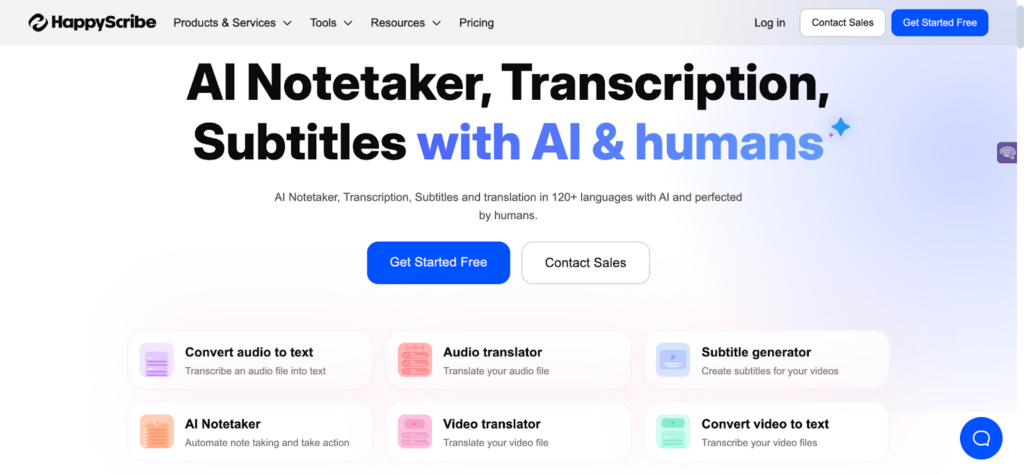
1. Happy Scribe – When the transcript is a record, not a reference
Happy Scribe is a video to text converter built for situations where the transcript itself becomes part of the work. It is used when text needs to be shared, published, reviewed, or relied on long after the original recording is finished.
This is why it shows up in research, education, media, and compliance-driven environments. The platform treats accuracy as the core product, not just a background feature. Teams can use AI for speed or add human review when the risk of getting something wrong is too high.
Instead of assuming transcripts are disposable, Happy Scribe is designed for teams that need words on the page to be reliable.
Where it earns its place
- High accuracy across different accents and languages
- Human review options for sensitive or high-stakes material
- Strong subtitle and caption workflows
- Well-suited to international and multilingual teams
Trade-off: Slower turnaround and higher cost when human review is used.
Best suited for: External documentation, research, compliance, media, and any situation where transcripts need to be trusted outside the team.
2. Otter.ai – Transcripts as shared team memory
Otter is built around meetings and conversations. It works well when the goal is to remember what was said, what was decided, and what needs to happen next.
Calls are transcribed as they happen, shared with the team, and stored in a way that makes it easy to search later. For remote and hybrid teams, this creates a simple way to keep track of conversations without relying on scattered notes.
Where it earns its place
- Live transcription for Zoom and Google Meet
- Speaker identification and highlights
- Fast search across past meetings
- Easy for non-technical teams to adopt
Trade-off: Limited data-handling control for sensitive environments.
Best suited for: Product teams, internal collaboration, and remote organizations.
3. Rev – Consistency at scale
Rev is often chosen when teams stop testing tools and start standardising how transcription works across the organisation. It’s used heavily in legal, media, and enterprise environments where the output needs to be predictable and easy to fit into existing workflows.
You upload your audio or video, choose between AI or human transcription, and receive structured text that looks the same every time. That reliability is the reason teams stick with it.
Where it earns its place
- Consistent output across large volumes of content
- Human transcription for high-stakes material
- Reliable turnaround times
- Multiple export formats for downstream systems
Trade-off: Costs scale quickly with frequent usage.
Best suited for: Legal teams, media organisations, and enterprises that need dependable, repeatable results.
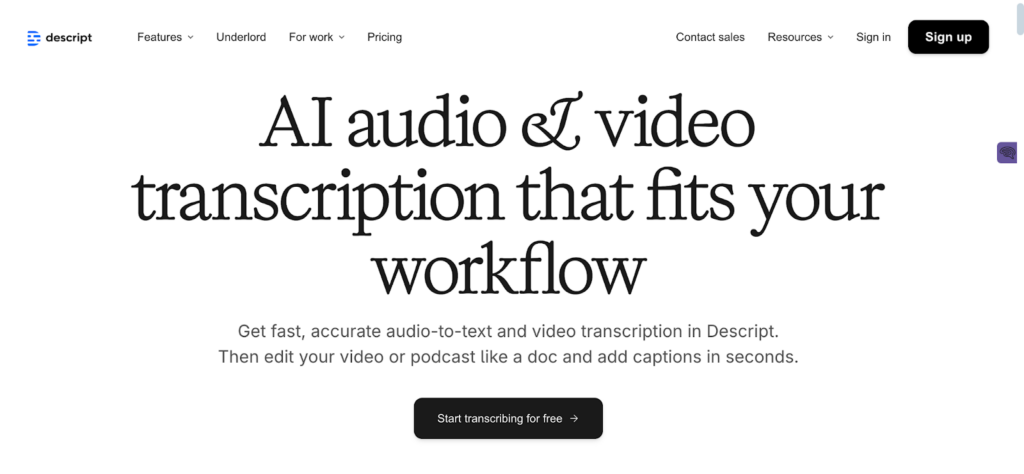
4. Descript – When the transcript is the interface
Descript treats the transcript as a control surface. Instead of being the final artifact, text becomes the way teams edit audio and video.
Teams use it when the transcript feeds into podcasts, training videos, internal updates, or marketing assets. Instead of editing audio and video on a timeline, you edit the text, and the media follows.
In this setup, the transcript is not there to be perfect. It is there to make creating and updating content easier.
Where it earns its place
- Edit audio and video directly through the transcript
- Real-time collaboration for teams
- Version control as content changes
- Easy reuse across different formats
Trade-off: It is not built for maximum transcription accuracy or formal records.
Best suited for: Content teams, internal communications, and training teams that treat transcripts as a working tool rather than a final document.
5. Sonix – Speed and navigation for dense recordings
Sonix is great for long, content-heavy recordings like interviews, panels, or workshops. The real value comes after you have the transcript. Search, tagging, and navigation make it much easier to find what you need without scrubbing through hours of audio.
Where it earns its place
- Fast AI transcription for quick results
- Strong search and tagging
- Handles long recordings well
- Supports multiple languages
Trade-off: The accuracy drops if the audio quality is poor
Best suited for: Research teams, analysts, and anyone turning long recordings into searchable content.
6. Trint – Collaboration with guardrails
Trint is built for teams that need to collaborate on transcripts without losing control. You can set exactly who can view, edit, or comment, which makes it a solid choice for regulated industries or any environment where compliance matters.
Think of it as a workspace for transcripts: everyone who needs access gets it, but nothing slips through the cracks.
Where it earns its place
- Granular access controls so permissions are clear
- Collaborative editing and annotation for teamwork
- Enterprise-level security built in
- Searchable transcript libraries for easy reference
Trade-off: The pricing makes the most sense for larger teams.
Best suited for: Regulated industries and enterprises that need collaboration without compromising compliance or oversight.
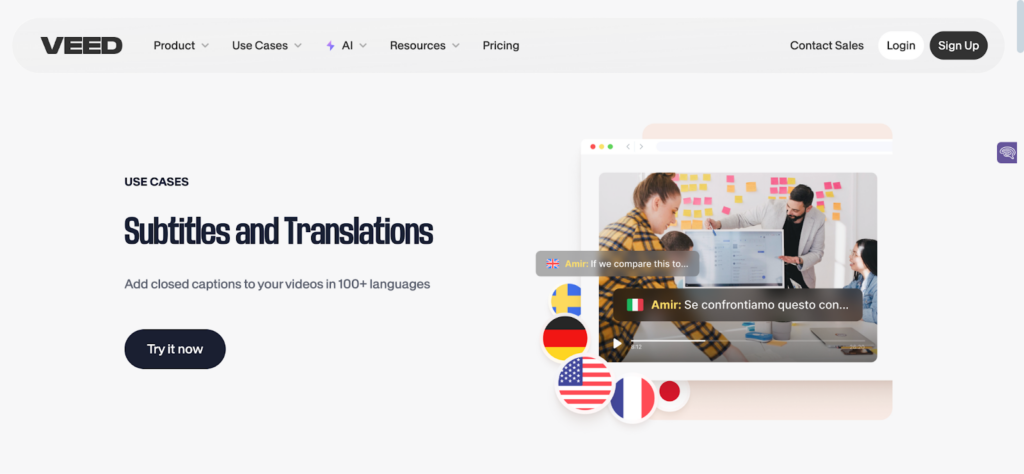
7. VEED – Transcripts as an access layer
VEED is less about perfect transcripts and more about making video content accessible and ready to share. If your goal is captions, subtitles, or just getting your video seen by more people, this is the tool for that.
Where it earns its place
- Super easy onboarding with no learning curve
- Workflows built around captions and subtitles
- Affordable entry-level pricing
- Fast setup, so you can move on to content
Trade-off: It’s not ideal for managing long-form transcripts or deep archival needs.
Best suited for: Educators, marketers, and small teams who just want videos to be readable and reachable.
8. Amberscript – Language coverage first
Amberscript tends to show up when language coverage is the deciding factor. It’s used by teams working across European markets, where regional languages, accents, and local compliance aren’t optional.
Where it earns its place
- Strong support for European languages and dialects
- AI and human transcription options depending on your accuracy needs
- Output that’s ready for subtitles and localization workflows
Trade-off: The interface feels dated compared to newer tools.
Best suited for: International and multilingual teams where language coverage matters more than polish.
9. Notta – Lightweight and low commitment
Notta is for people who just want transcription to exist and then get out of the way. It’s built for individuals or very small teams who don’t want another system to maintain.
You can start using it almost immediately. It works well on mobile, doesn’t demand much setup, and doesn’t try to turn transcripts into a whole workflow.
Where it earns its place
- Easy learning curve with almost no setup
- Mobile-friendly recording for notes on the go
- Affordable plans that don’t lock you in
Trade-off: Few advanced features once your needs grow.
Best suited for: Solo users and very small teams who want quick transcripts, not a platform to manage.
Choose the transcript’s job before the tool

Choosing a transcription platform isn’t really a tooling decision. It’s a decision about how your team documents work.
Once you’re clear on whether a transcript is meant to be a record, shared memory, raw material, or just an access layer, the right tool usually makes itself obvious. When that part’s fuzzy, everything feels disappointing, no matter how good the software is.
So start there. Ask how the transcript will actually be used, who needs to trust it, and what happens if it’s wrong or missing later. Get that right, and the tool choice stops being complicated.